ShareBridgely
A tiny, niche macOS app to access the native macOS share sheet from Chromium-based browsers.
2025
·
Design, macOS development
·
Personal project
Intro
As a Product Designer, I am always on the lookout for friction points in everyday digital workflows, hose small but persistent annoyances that disrupt productivity and user experience. One such frustration arose from my own daily browsing: Chromium-based browsers like Vivaldi do not fully support macOS’s native share extensions. While Safari seamlessly integrates with apps like Reeder, Raindrop.io, or Bear, Chromium browsers limit users to a stripped-down version of the share menu, omitting many of the extensions we rely on.
This gap inspired ShareBridgely, a lightweight macOS app designed to restore full access to macOS share extensions directly from Chromium-based browsers. With ShareBridgely, users can finally share links to their favorite apps, whether it’s saving to Reeder, adding to Raindrop.io, or sending to Bear, without switching browsers or resorting to workarounds.
The problem
At the core of my digital reading habits sits Reeder by Silvio Rizzi. I made the switch from Readwise Reader, which let me subscribe to RSS feeds, save articles to read later, as well as forward newsletters. To save articles for later, Readwise Reader provides a simple browser extension. Since I am using Reeder though, I ran into a niche problem.
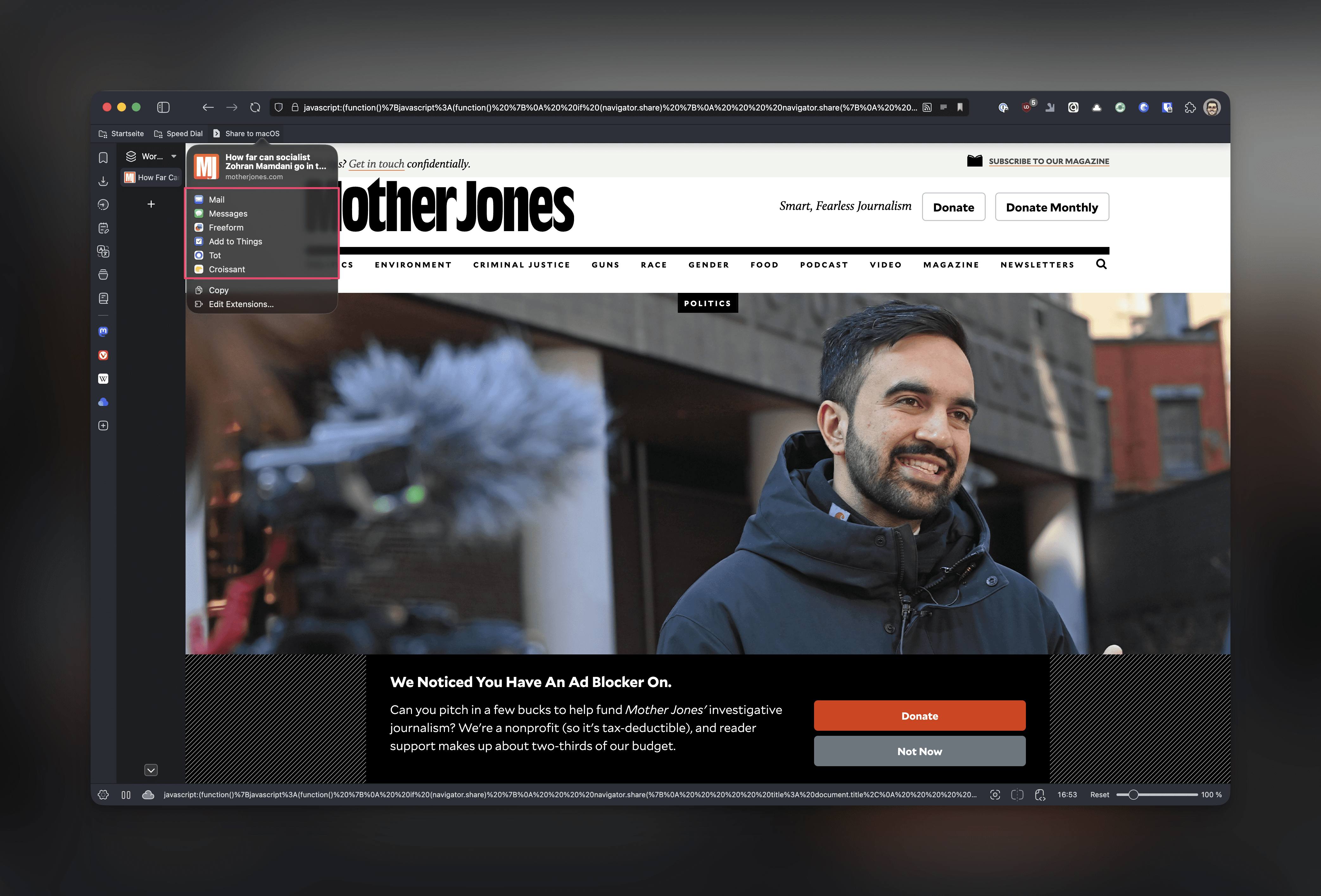
As Reeder is deeply integrated into the Apple ecosystem, the only way to save articles to Reeder is by using the share extension via the share sheet. So, here is the twist: I am using Vivaldi as my browser, which is powered by Chromium. Apparently, Chromium does not support access to the native share sheet on macOS. You know, that little share icon that sits next to the address bar in Safari? That is not available in Chromium. Other browsers like Opera built it on their own, but Vivaldi did not.

The goals and vision
After doing some quick research, I found out that I could create a bridge between Vivaldi and the macOS share sheet in order to save articles for later with Reeder.
Create a native macOS app to trigger the share sheet with all options.
Launch the app via a bookmarklet, so I have easy access right within Vivalid.
Keep everything light, simple, easy.
The process
After digging deeper into some research, I set the stage for the app's functionality. The idea was that the app:
Listens for a custom URL scheme or a clipboard trigger.
Receive the title and URL from Vivaldi.
Open the native macOS share sheet with all extensions.
I went ahead, fired up Xcode, and created a new project called ShareBridgely. It uses SwiftUI for the UI and AppKit for a deeper macOS integration (e.g. menu bar access, share sheet, URL handling). Furthermore, it uses the share:// URL scheme to communicate between the browser bookmarklet and the app, allowing seamless sharing of URLs and titles.
The solution
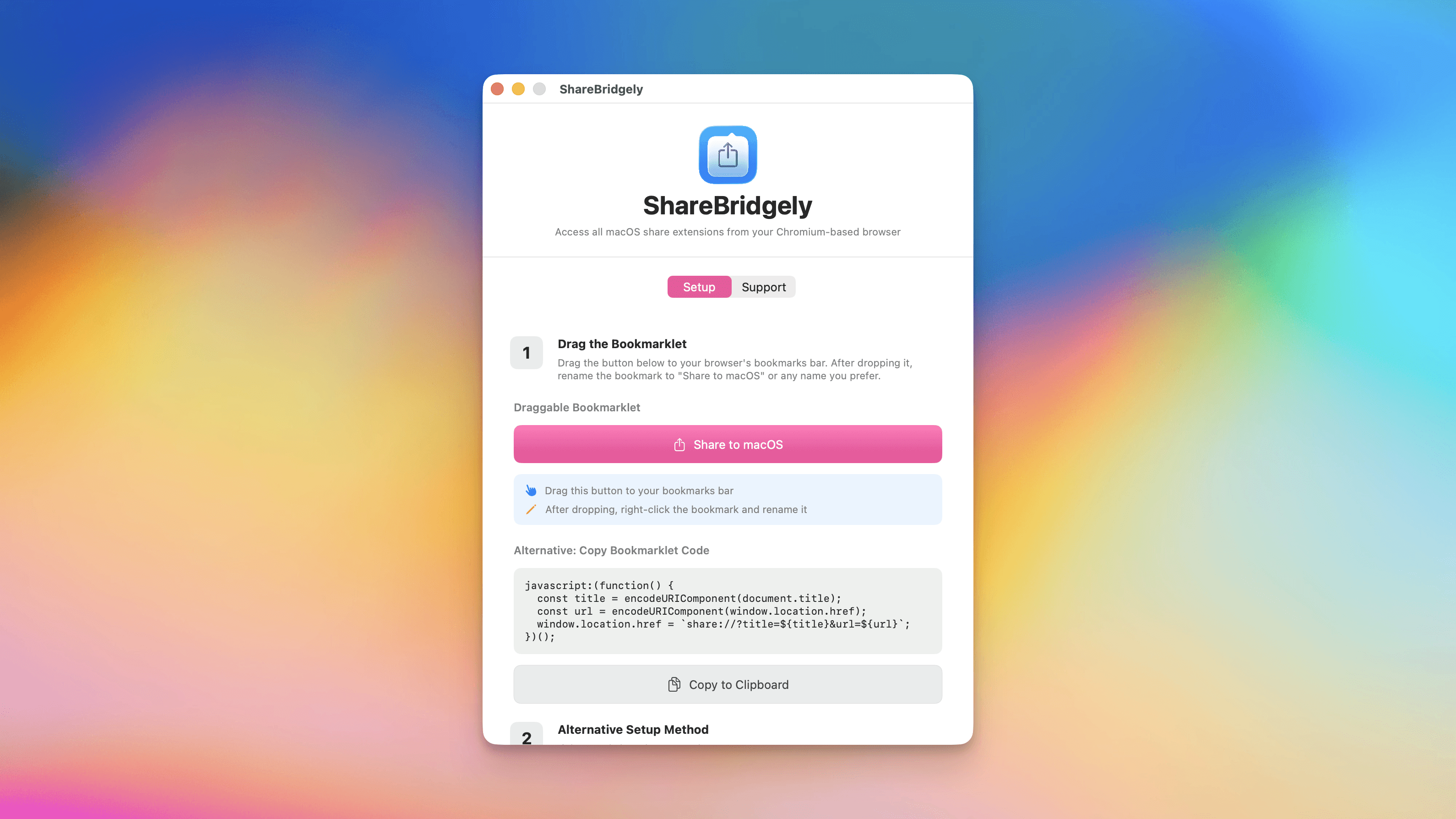
ShareBridgely provides a draggable bookmarklet for easy and straightforward setup in Chromium-based browsers. The bookmarklet encodes the page title and URL, then opens the app via the custom URL scheme. I added an optional menu bar icon for quick access to the setup instructions and app controls, which uses NSStatusItem and NSMenu for a lightweight, always-accessible interface.
Using the NSSharingServicePicker, ShareBridgely can display the full macOS share sheet, including all extensions, especially the one for Reeder, which I needed to save articles to read them later. The share sheet is anchored to a small, invisible window offering a seamless user experience.
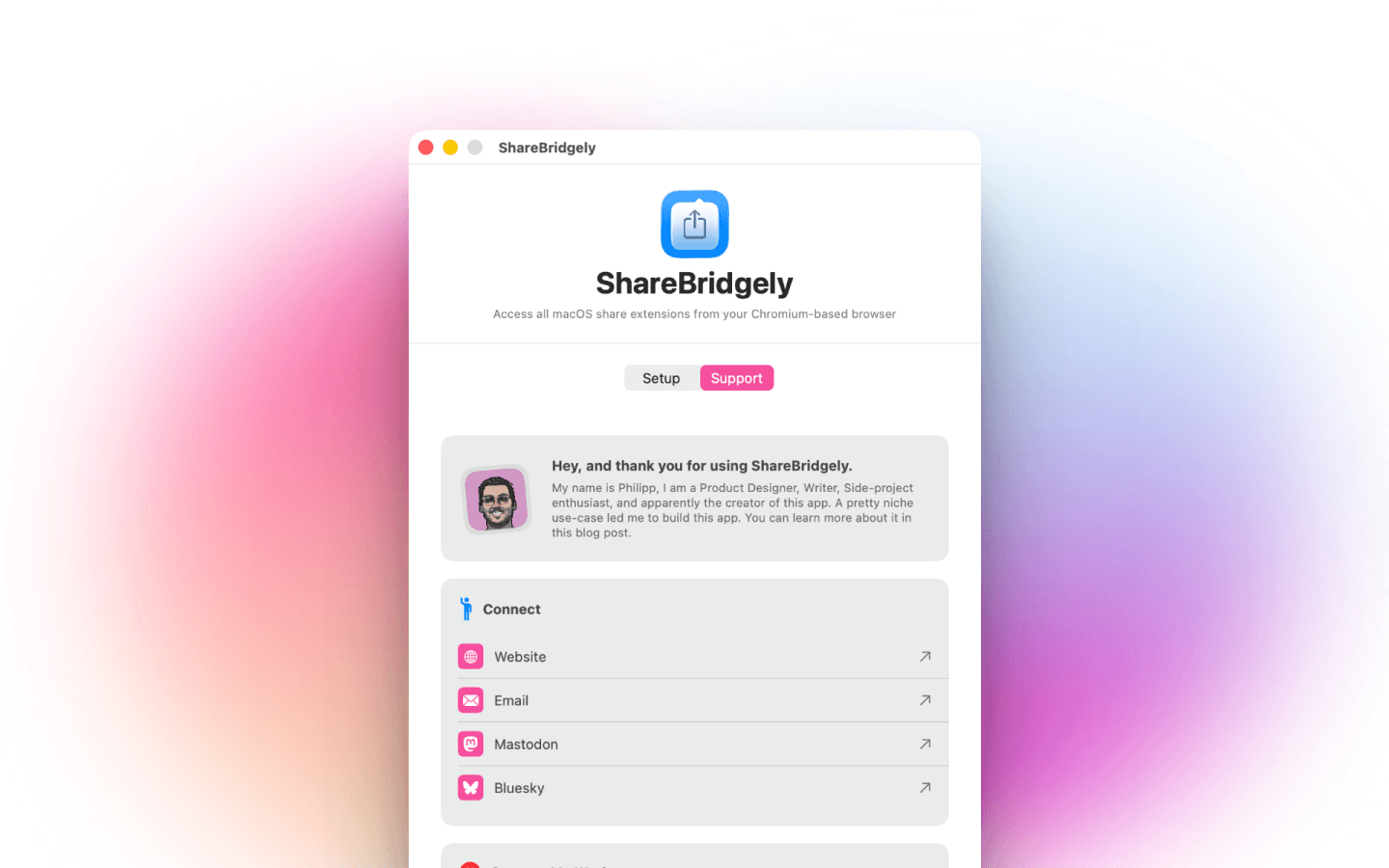
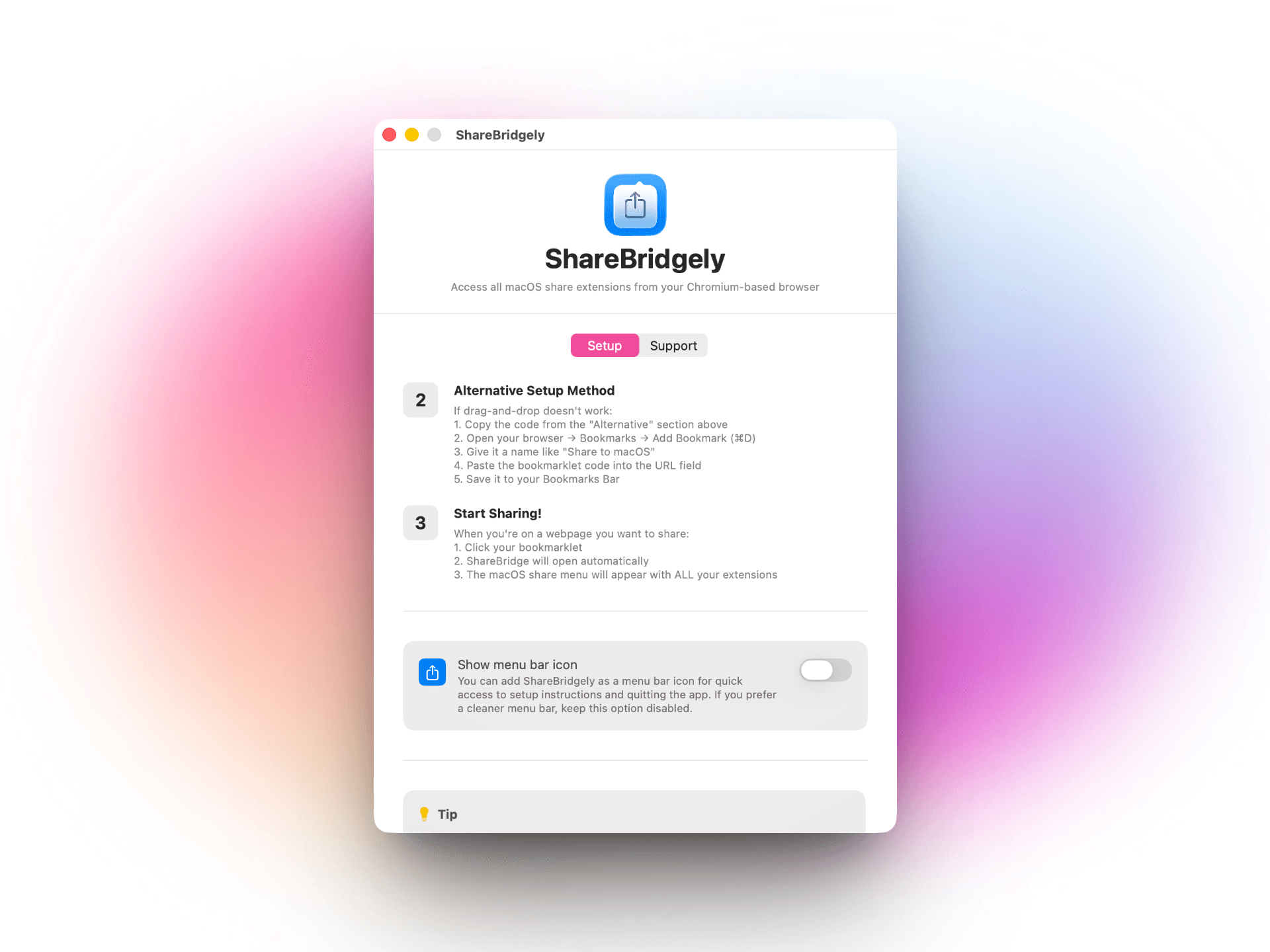
Within the actual app I included setup instructions with a step-by-step guide for installing the bookmarklet, and the options to drag-and-drop or copy the code manually. Although I have not fully implemented it yet, the architecture of ShareBridgely supports extending its functionally to add right-click context menu sharing too.
Now
ShareBridgely provides a draggable bookmarklet for easy and straightforward setup in Chromium-based browsers. The bookmarklet encodes the page title and URL, then opens the app via the custom URL scheme. I added an optional menu bar icon for quick access to the setup instructions and app controls, which uses NSStatusItem and NSMenu for a lightweight, always-accessible interface.
Next
Well, while I had fun building ShareBridgely and got excited that a couple more people found a use-case for it, after Vivaldi found out about my post on Bluesky, they let me know that they have added a dedicated share button to access the macOS share sheet in their newest Snapshot build. So, after only one month of existence, ShareBridgely got already "Sherlocked". Jokes aside, I am super happy with the fact, that Vivaldi is listening to its users, improving the browser experience constantly, and be responsive and reachable.
I will keep the TestFlight for ShareBridgely still open though, cause there are other Chromium-based browser which still do not offer this functionality. And as of writing this, the Snapshot build from Vivaldi has not yet been released. For the long-term, I might revisit this project and try to come up with ideas on how to repurpose it.
I do not collect or store any kind of cookies on this website. You can learn more about this
heading to the Legal Notice & Data Privacy page